BirdNET-Pi
Turn a Raspberry Pi and a microphone into a fully autonomous, 24/7 backyard listening station. Record, identify, and log bird sounds right on the edge using BirdNET AI.
Three Steps to Your Listening Station
Follow this step-by-step checklist to select your hardware, choose your version, and deploy BirdNET-Pi.
Assemble Your Hardware
To build a reliable outdoor listening post that handles continuous audio analysis, you will need:
Raspberry Pi
A Raspberry Pi 4B or 5 is recommended for optimal performance. Pi 3B+ or Zero 2W can be used with lightweight OS setups.
USB Microphone
Avoid external sound cards to prevent ground-loop buzzing. Plug-and-play USB mics (Boya, Saramonic) or custom SASS rigs are best.
Fast SD Card
A high-end SD card loaded with 64-bit Raspberry Pi OS Lite (Bookworm or Trixie releases).
Outdoor Housing
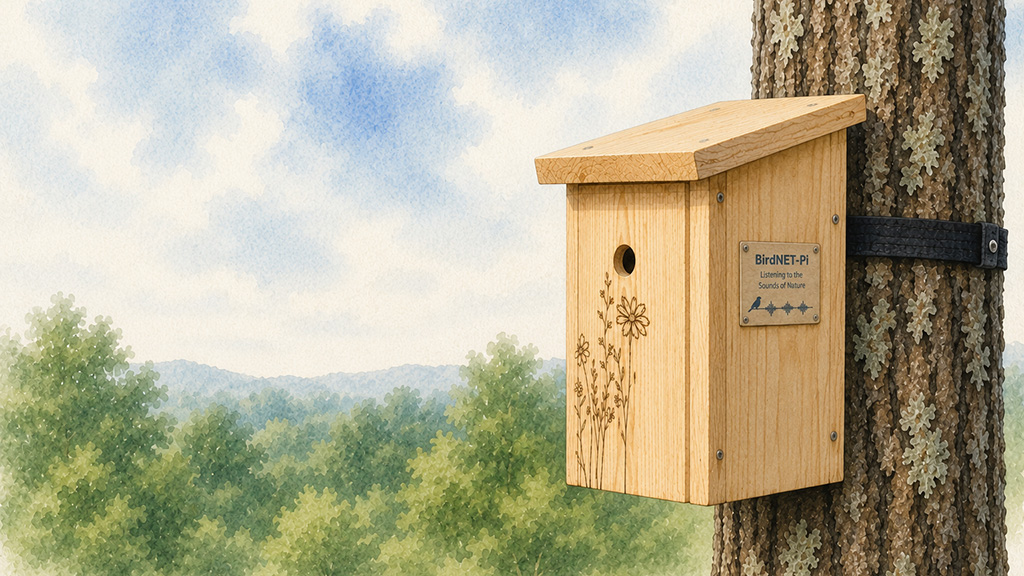
A weatherproof electrical junction box or birdhouse-style mount with acoustic fabrics to shield wind/rain.
Community Build Guides
If you need step-by-step instructions on casing designs, microphone configurations, or running your station off-grid on solar power:
Choose Your Version
BirdNET-Pi is supported by two main community forks. Select the one that matches your interface and feature needs:
A. Nachtzuster Branch
Stable BackendFocused on core backend code efficiency, daemon runtimes, backup/restore systems, and support for the latest 64-bit Bookworm & Trixie OS releases.
B. zach7036 Enhanced Version
Interactive UI & AnalyticsIntroduces a beautiful slate/teal design system, full Dark Mode, floating audio players, detailed Chart.js graphs, and smart behavioral analytics (Dawn Chorus, Yard Health Score).
Nachtzuster Fork
Focus: Reliability & Backend
Recommended if you want a robust, lightweight station running the latest Debian packages with automated data migrations.
View Nachtzuster GitHubEnhanced UI Version
Focus: Modern UI & Insights
Recommended if you want a premium dashboard with visual analytics, weather integration, and detailed behavioral reports.
View Enhanced UI GitHubRun the Installer
Connect your microphone and boot your Pi. SSH into the device, copy one of the commands below, paste it into your terminal, and press Enter:
Accessing Your Dashboard
The installation script takes care of configuration. Once the terminal setup completes, the Pi will reboot automatically.
- Visit http://birdnetpi.local on your local network.
- Default Username:
birdnet - Default Password: (Leave blank/empty on first login)
- Configure your coordinates and password under Tools > Settings.
Core Capabilities
A deep dive into the features that power BirdNET-Pi's autonomous listening station.
24/7 Audio Classification
Records ambient soundscapes continuously, converting audio tracks into spectrograms and identifying species using the BirdNET model.
Clip Cataloguing
Extracts isolated sound clips for all detections, storing audio snippets alongside classification details in your local database.
Trend Analysis
Displays interactive daily, weekly, and monthly histograms of species sightings, tracking visitor patterns over time.
Apprise Notifications
Send instant alerts to Discord, Telegram, Pushover, Email, or SMS when target species or life list additions are heard.
Global Integration
Optionally share your local detections with the BirdWeather network to contribute to global biodiversity research maps.
SysInfo & Database Maintenance
Adminer database interface, SQLite3 maintenance, phpSysInfo logs, and GoTTY terminal access are built right in.
Avian Visitors Live Collage
Extend your setup with Avian Visitors, an illustrated dashboard overlay that reads your local database detections to assemble a live bird collage.
Creator: Teddy Warner
- Screen Collage: Displays actual drawings of species seen in your yard, scaling collage sizes automatically.
- Public Netlify Mirror: Includes helper scripts to build a public mirror of your collage and statistics without exposing your local Pi or database to the open web.
Share & Connect
DIY monitoring is built on community collaboration. Join discussions, share pictures of your station setups, and find configurations: